Guide
Sending email
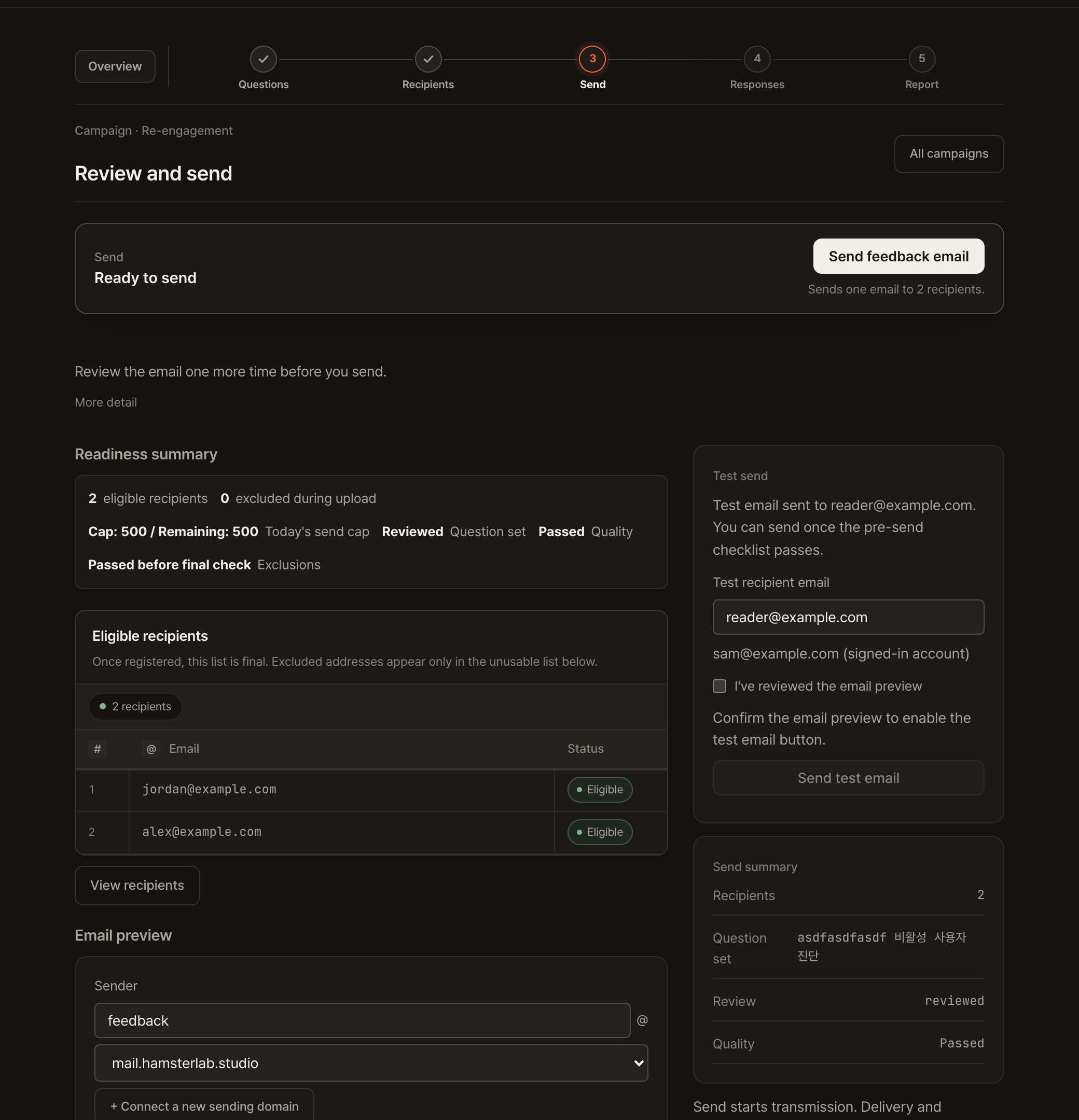
Once your questions and list are ready, askghost sends for you. Here's how a send actually flows.
How an email goes out
- Pick the from addressBy default you send from askghost's shared address ([email protected]), so there's nothing to configure. If you've registered your own domain, you can send from that instead.
- Test sendBefore hitting your real list, send one to yourself to eyeball the subject, body, and survey link.
- Confirm and sendOn the final screen you confirm the recipient count and from address. Suppression-list exclusion and a last safety check run automatically at this point.
- Responses roll into the reportAs recipients answer the survey, the report handles the counting for you.
Want to send from your company domain? You can change the from address. Your own domain →